01
Find fresh openings
Search roles posted in the last hours across the companies trackly monitors, filtered to what you actually want.

trackly
For ChatGPT, Codex, Meta Muse, and other AI assistants
Find openings as they appear and fill approved applications for your review—inside the AI workspace you already use.
trackly finds. You decide. trackly fills. You submit.
The Trackly Agent Plugin is in review for the OpenAI Plugin Directory. You can add the hosted MCP in the shared ChatGPT and Codex desktop app today. ChatGPT web access depends on an eligible plan, workspace settings, role, and supported surface; directory install follows OpenAI approval.
Meta Muse uses that same hosted Trackly MCP. Connecting Muse does not require the OpenAI Plugin Directory listing.
One continuous workflow
Search roles posted in the last hours across the companies trackly monitors, filtered to what you actually want.
Save and approve the jobs that deserve your time. trackly Apply operates only on the applications you choose.
trackly fills supported forms, pauses for missing or sensitive answers, and leaves every application ready for your review.
Human at the boundary
trackly Apply never clicks Submit. It does not guess passwords, verification codes, demographic details, work authorization, or other sensitive answers. When the state is uncertain, it pauses and asks you.

trackly Apply
3 approved applications
Agent Plugin
One portable package combines the hosted Trackly MCP with the trackly and trackly Apply skills, so your agent can search roles and prepare approved applications in the workspace you already use.
The Trackly Agent Plugin is in review. Once approved, the same package will work across compatible clients.
Need tools before the directory listing is public? Add the hosted MCP in ChatGPT or Codex desktop.
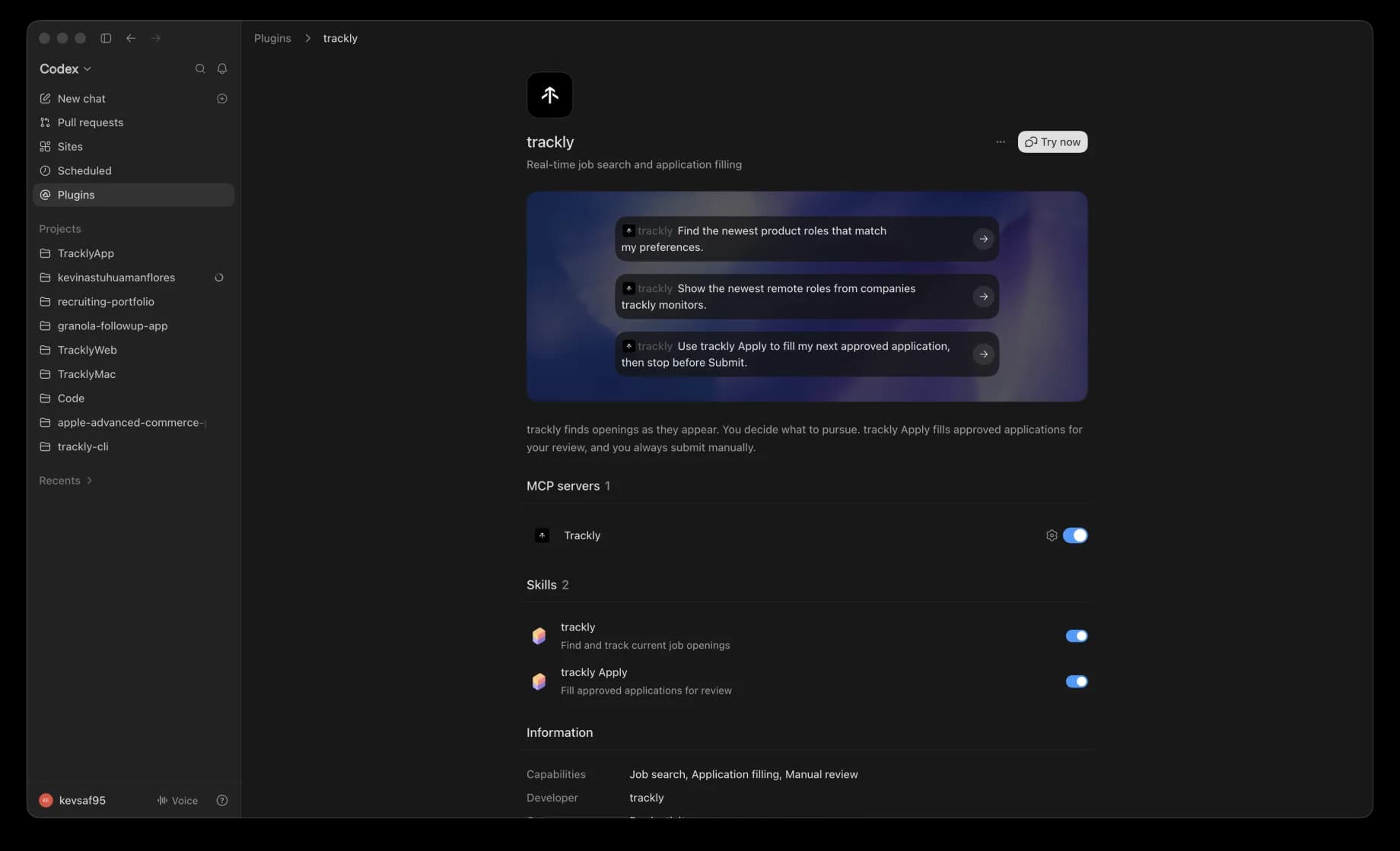
In Codex, open Plugins to browse the marketplace.
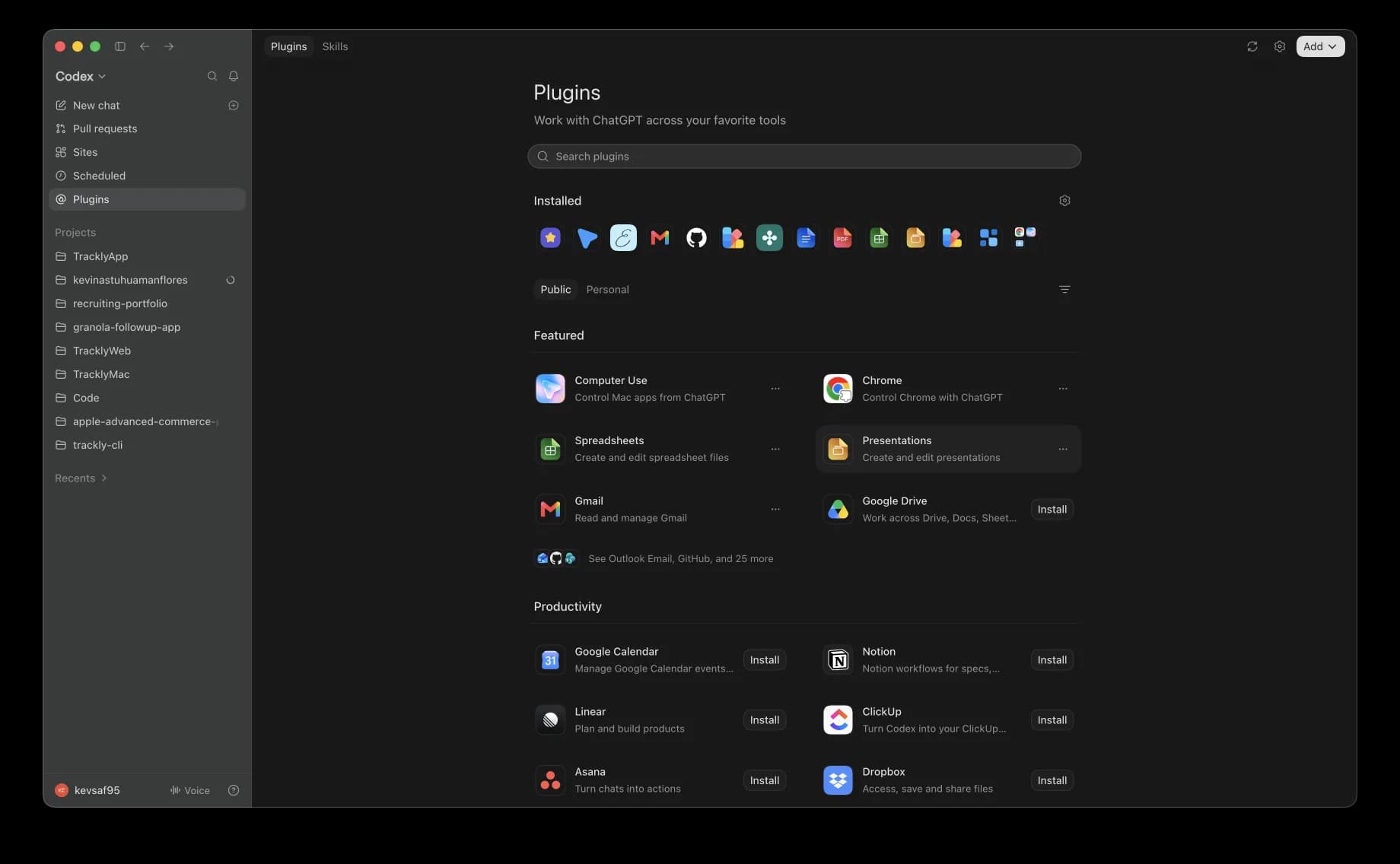
Search for Trackly to open the portable Agent Plugin.
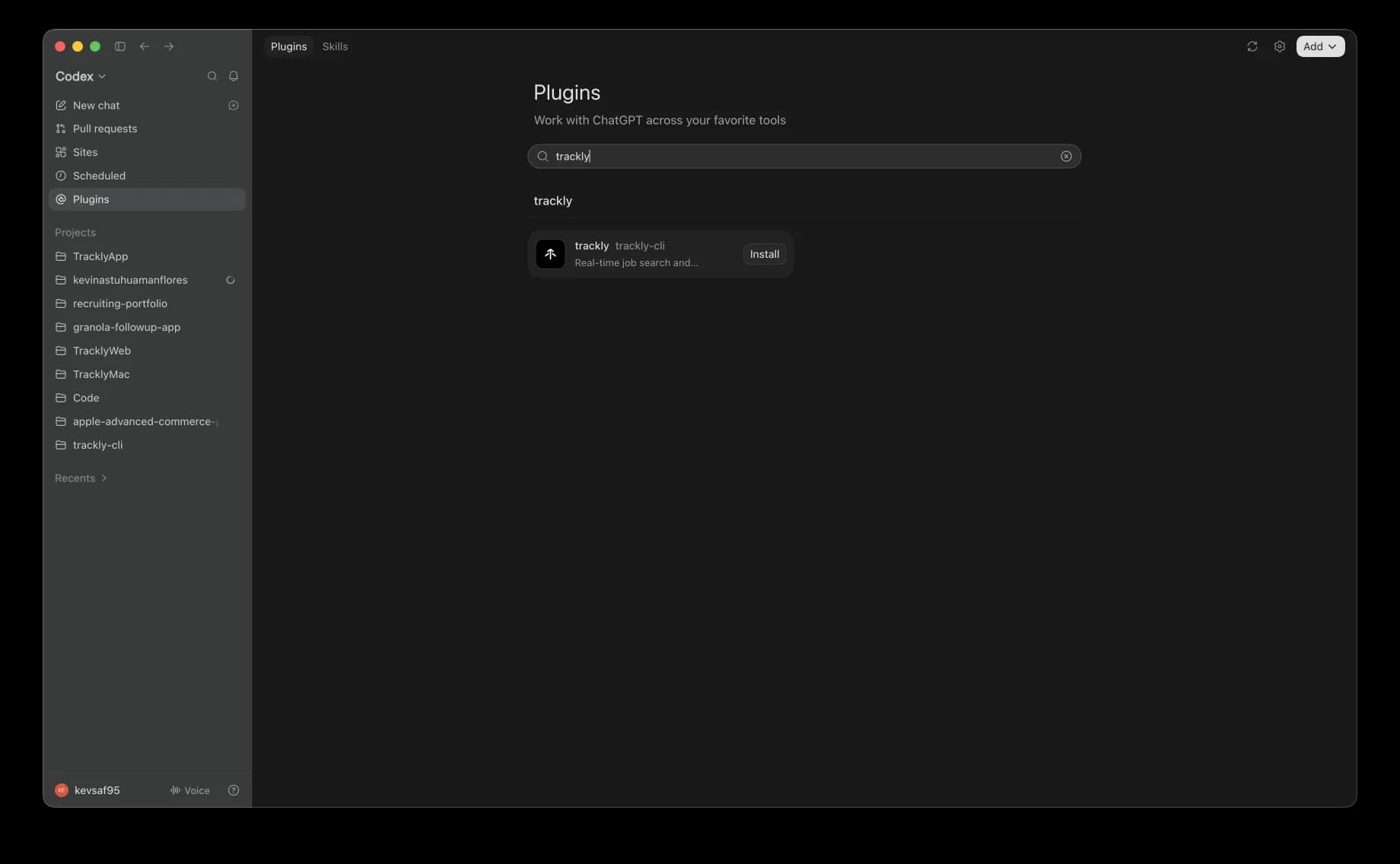
The package combines the hosted Trackly MCP with the trackly and trackly Apply skills.
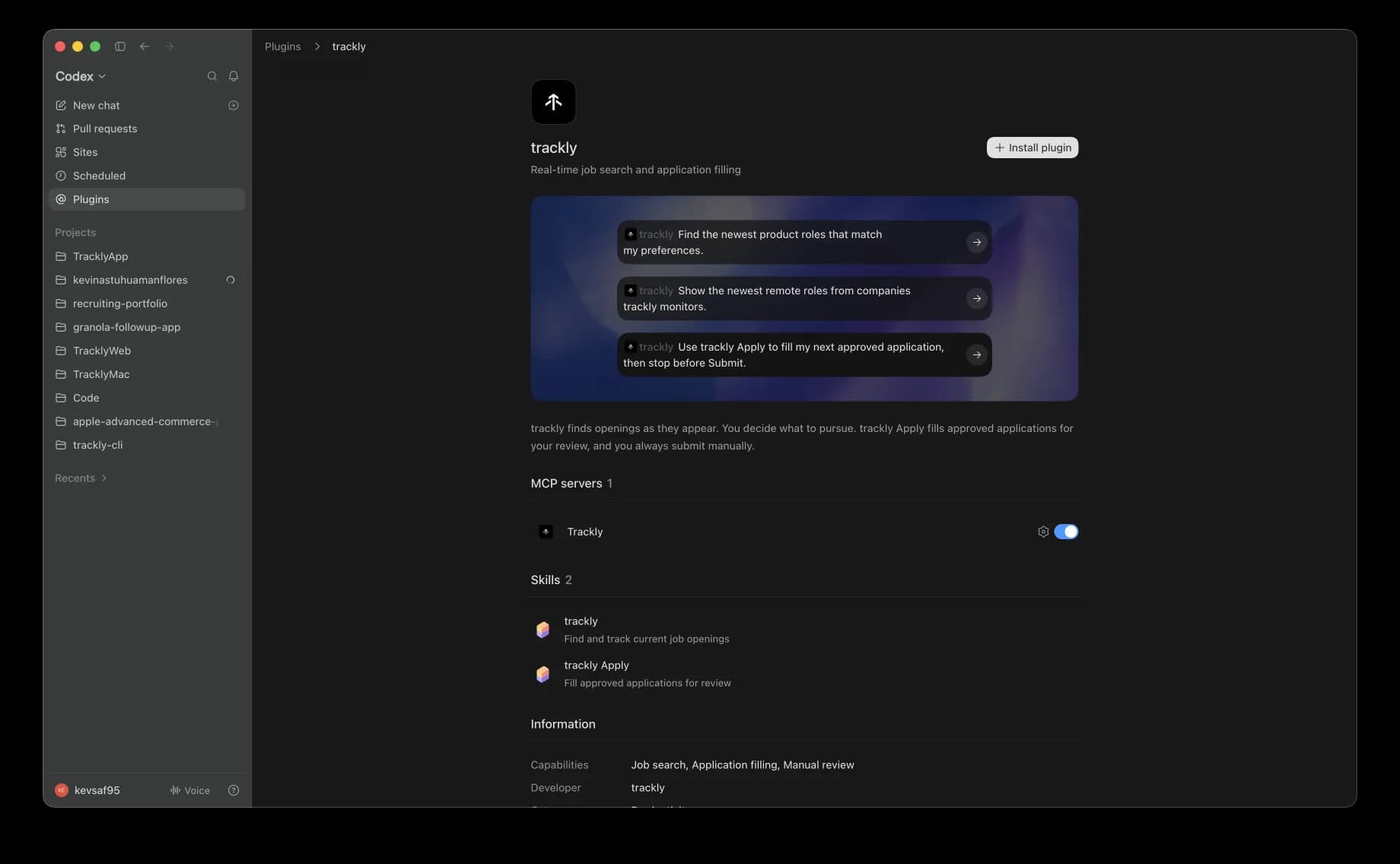
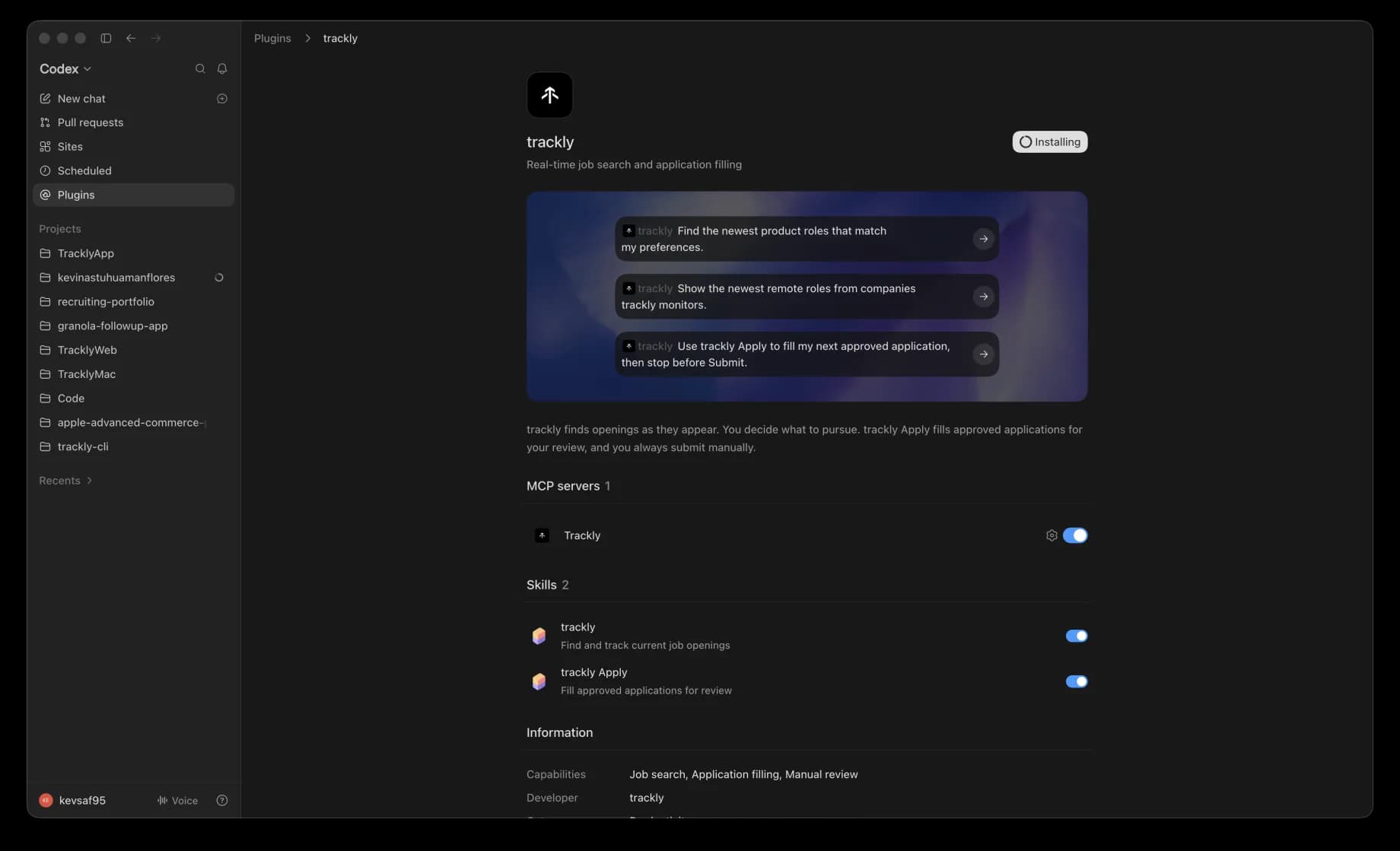
Install the package. Codex starts the hosted Trackly connection.
When installation finishes, choose Try now to start a Trackly chat.
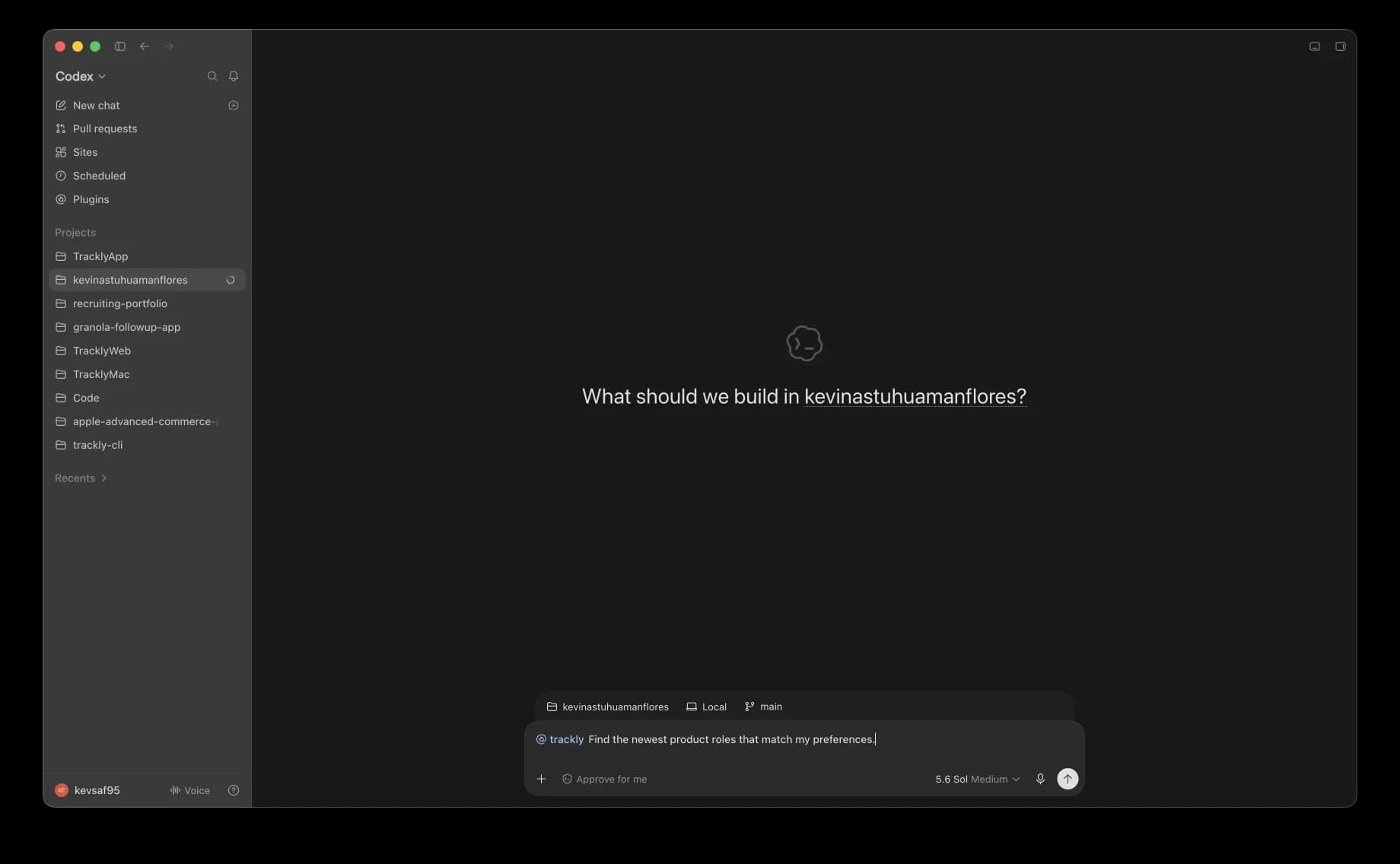
Ask Trackly to find the newest product roles that match your preferences.
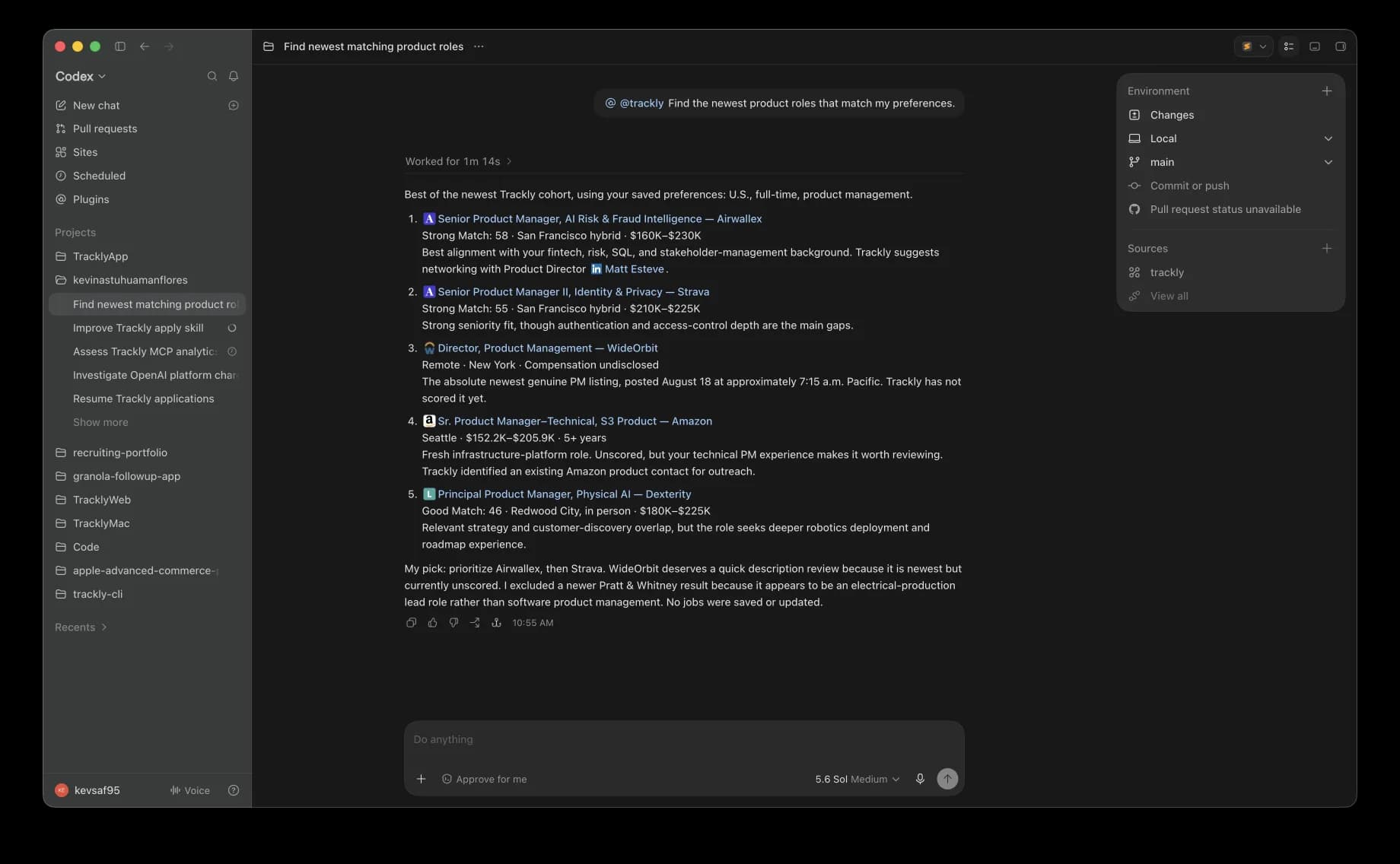
Trackly returns matched roles with scores so you can choose what to pursue.
The same package is intended for every client below.
Search and organize jobs across supported plugin surfaces. Desktop browser control is required to fill employer forms, so trackly gives web and CLI users a clear desktop handoff instead of pretending the action completed.
Add the hosted Trackly MCP once under Settings, Plugins, then MCPs, and use it in either mode. Directory plugin install unlocks after approval.
ChatGPT web developer mode
Eligible managed workspaces may add the hosted Trackly connection from Settings, Apps, then Create, subject to plan, workspace settings, role, and supported surface. Filling employer forms still requires supported desktop browser control and a local trackly Apply handoff.
Meta Muse
Connect the same hosted Trackly MCP from Muse. Search and account tools are available there. Filling employer forms still requires supported desktop browser control and a local trackly Apply handoff.