
Interface 01
trackly for iPhone
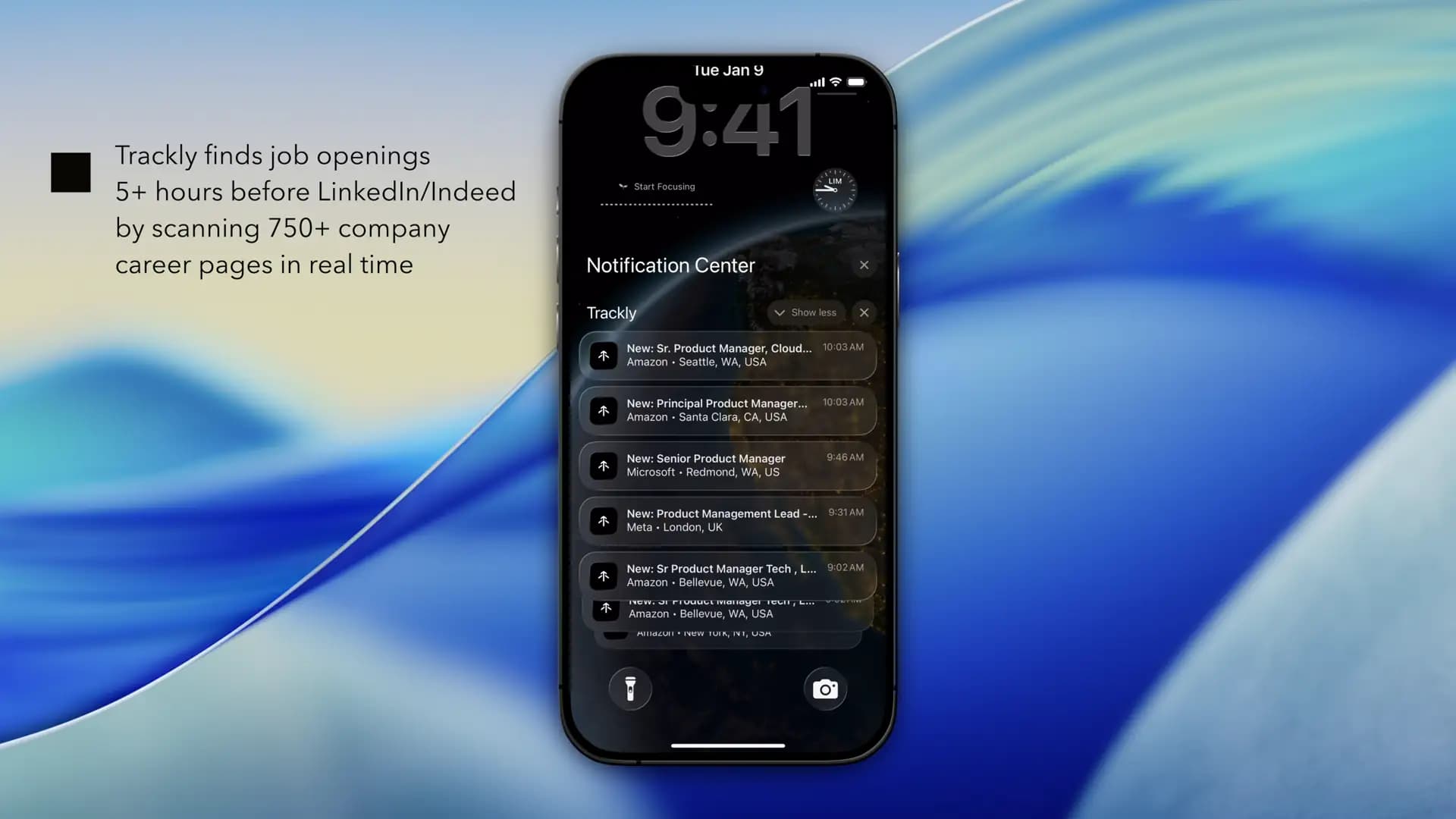
Carry new-role alerts and your job search with you on iPhone and iPad.
Download trackly
Find new jobs, get alerts, and track your search. Free for students on Mac, iPhone, and Web.
Auto Apply and Hiring Signals are opening in careful batches for our founding student group. Request feature access while you keep discovering jobs.
Available now
Download the app for your device, or connect the AI client you already use. No invitation needed to get started.
Carry new-role alerts and your job search with you on iPhone and iPad.
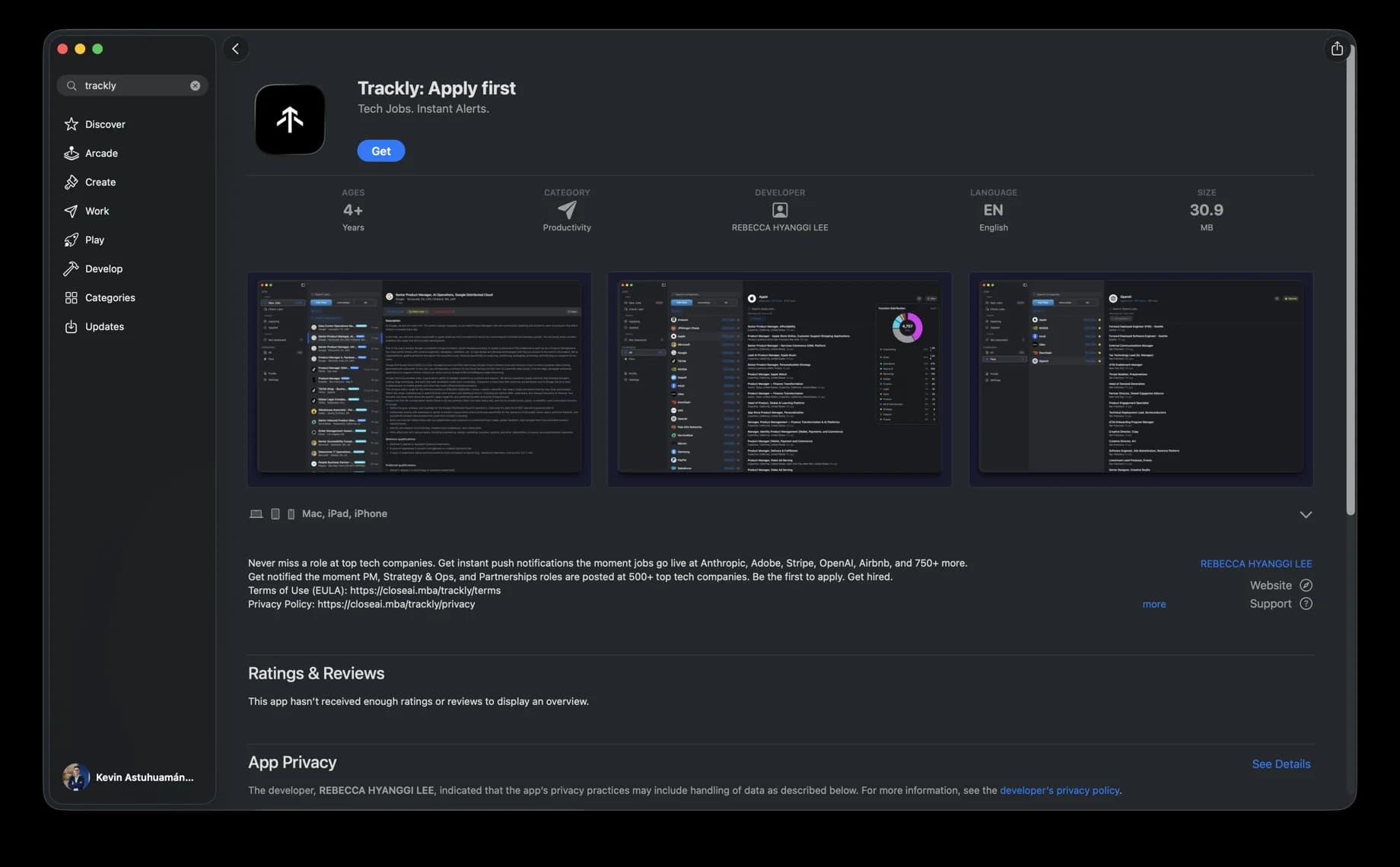
Use the signed Mac app for a focused desktop workflow, notifications, and managed updates.
Connect Claude, ChatGPT, Codex, or another compatible MCP client with reviewed permissions.
Already use trackly? Open the web app
More platforms, next
Windows and Android are coming soon. Join with your university email to hear when your platform opens.
More ways to use trackly
Your browser copilot for application forms. Fill with your profile, then review and submit. Free and unlimited when access opens.
Join early access →Search jobs and manage your hunt from the command line.
Open CLI docs →Connect compatible AI clients over HTTP with authenticated access.
Set up remote MCP →Install trackly for Mac from the command line, then let Homebrew manage future upgrades.
Requires Homebrew
brew install --cask trackly-app/trackly/tracklybrew upgrade --cask trackly-app/trackly/tracklybrew uninstall --cask trackly