
Connectors ChatGPT
In ChatGPT's plugin directory
trackly for ChatGPT
Ask ChatGPT for jobs and get answers from 310K+ live openings across 5,600+ employer career pages, with 30,000+ new every week.
Free trackly account. Sign in with Google when you install.
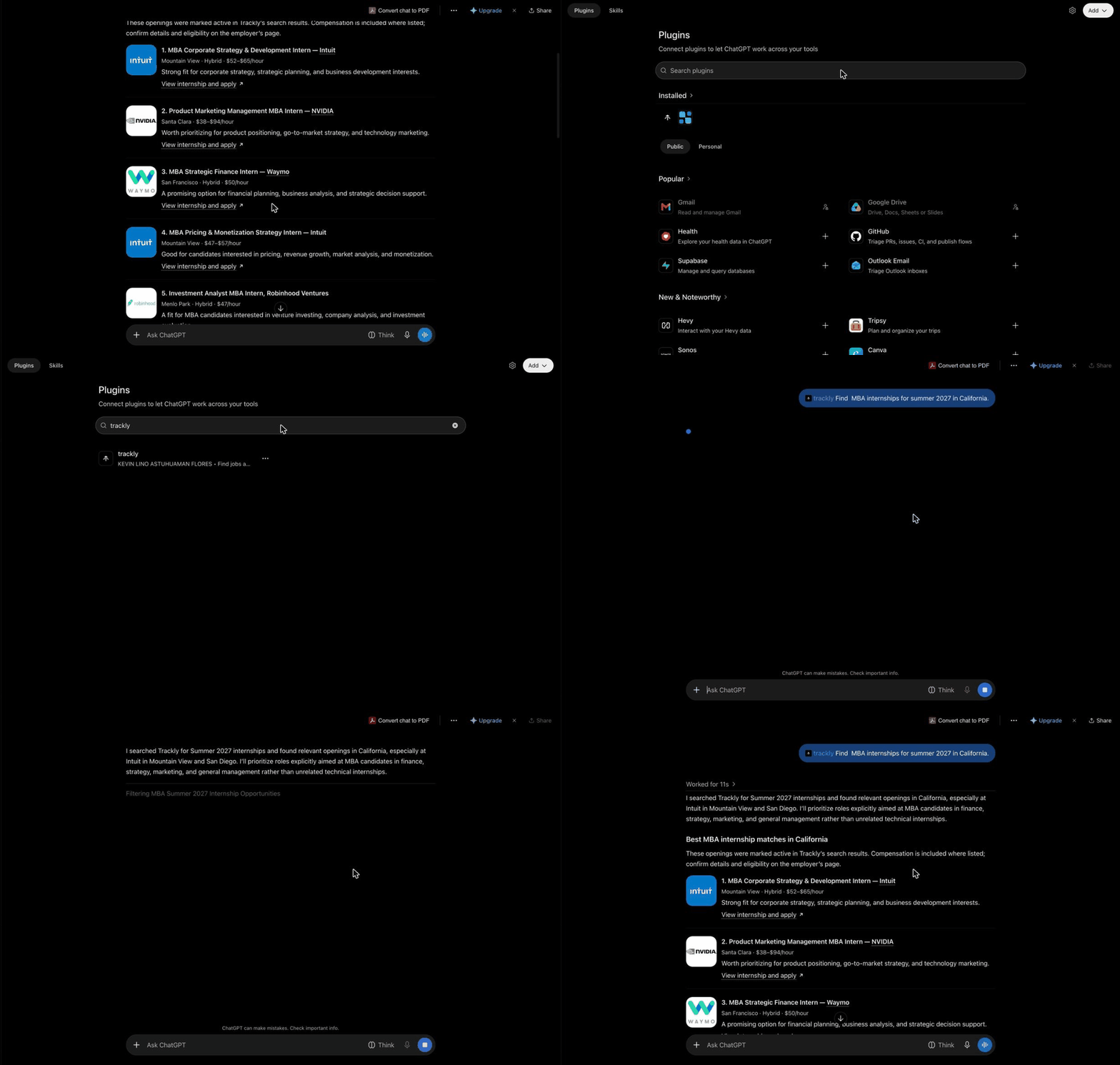
How it works
Set up in under a minute
Install trackly from the plugin directory and sign in with Google. There is no server address to copy.
- 1Step 1
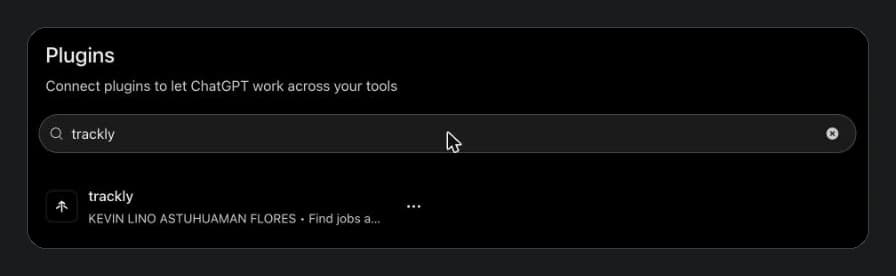
Find trackly in Plugins
Click Add to ChatGPT, or open Plugins in ChatGPT's sidebar and search for trackly.
- 2Step 2
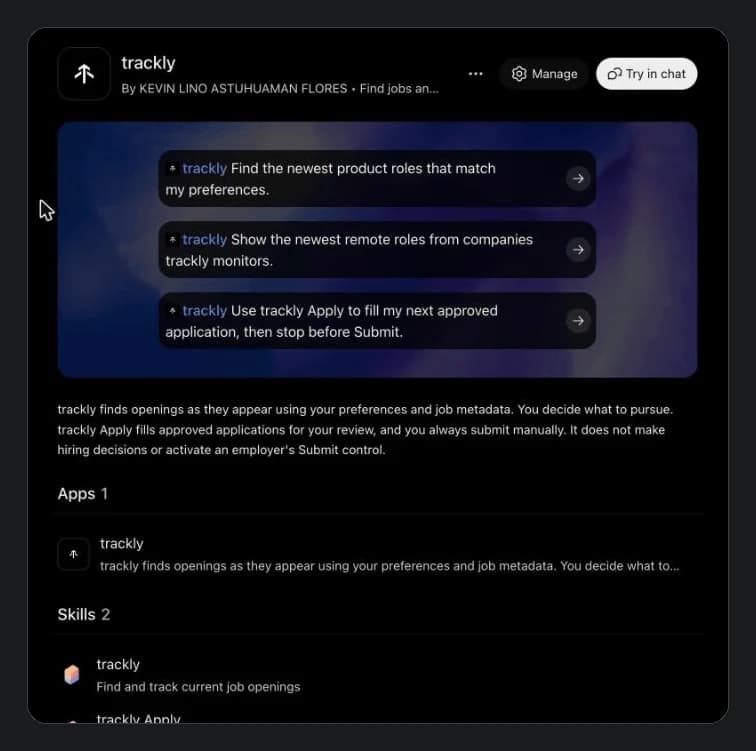
Install and sign in
Click Install, then sign in with Google. Once it is installed, the button changes to Try in chat.
- 3Step 3
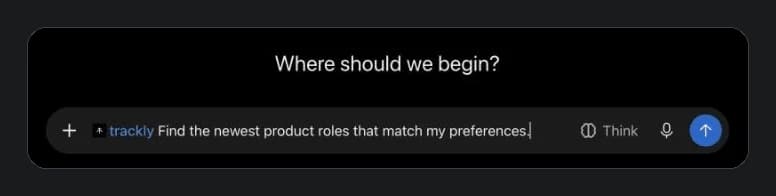
Type @trackly and ask
Start your message with @trackly, then ask the way you would say it: role, place, season, how fresh.
- 4Step 4
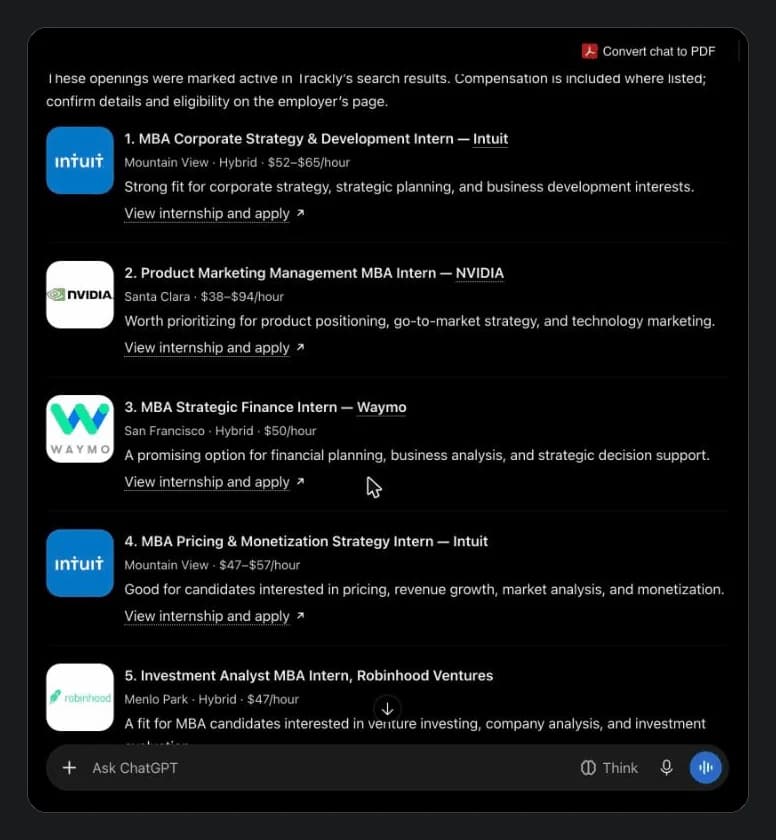
Get live jobs you can open
Real openings from company career pages, with location, pay when listed, and a direct link to apply.
More to ask
Ask in plain words. Get live jobs.
trackly answers from openings it found on employer career pages, so every result links to a real application.
- trackly @trackly Find MBA internships for summer 2027 in California.
- trackly @trackly Show the newest remote roles from companies trackly monitors.
- trackly @trackly Use trackly Apply to fill my next approved application, then stop before Submit.

trackly never submits an application for you. You review and submit every one yourself.
trackly Apply fills only the applications you approve, for your review, and stops before Submit. You can uninstall trackly at any time.
Also in Codex
The same plugin installs in Codex from its Plugins page. Set up in Codex →
Questions
Good to know before you connect
Do I need a trackly account?
Yes, a free one. If you don't have one yet, signing in with Google when you install creates it.
Does trackly submit applications for me?
No. trackly Apply fills applications you approve and stops before Submit. You review and submit every application yourself.
I added trackly to ChatGPT as a custom MCP before. Should I switch?
We recommend it. The plugin installs in one click and adds trackly's two skills, trackly and trackly Apply, which a custom MCP doesn't include.
Advanced
Advanced: add trackly by URL
For workspaces that only allow custom MCP servers, add this server address in ChatGPT's settings.
https://mcp.usetrackly.app/api/mcp